Hot Products





Popular articles
Comprehensive practical guide: How to accurately develop the Russian market and customers (a practical guide suitable for foreign trade beginners)
Foreign trade people, please take a look! Unlock the precise email addresses of foreign customers in multiple dimensions with these ten methods!
Building Multilingual B2B Website Networks from Scratch: Industry Case Studies on Traffic Growth and Precision Lead Generation
AI localized content generation process and key considerations for Southeast Asian and African markets!
The '1+AI' New Marketing Model in Foreign Trade: A New Trend for Cost Reduction and Efficiency Enhancement in the Industry
What Is an E-commerce Independent Website for Overseas Trade? Purpose, Strategy & Best Practices
Why Your Foreign Trade Website Has No Traffic? 3 Steps to Boost Google Rankings with Smart SEO Engine
How can foreign trade enterprises use CRM systems to comprehensively improve operational efficiency? Practical skills and case analysis
Multi-Language SEO Keyword Research: A Practical Guide to Capturing High-Value B2B Keywords for Global Markets
Customized samples: a key strategy to meet market demands
推荐阅读








.jpg?x-oss-process=image/resize,h_1000,m_lfit/format,webp)
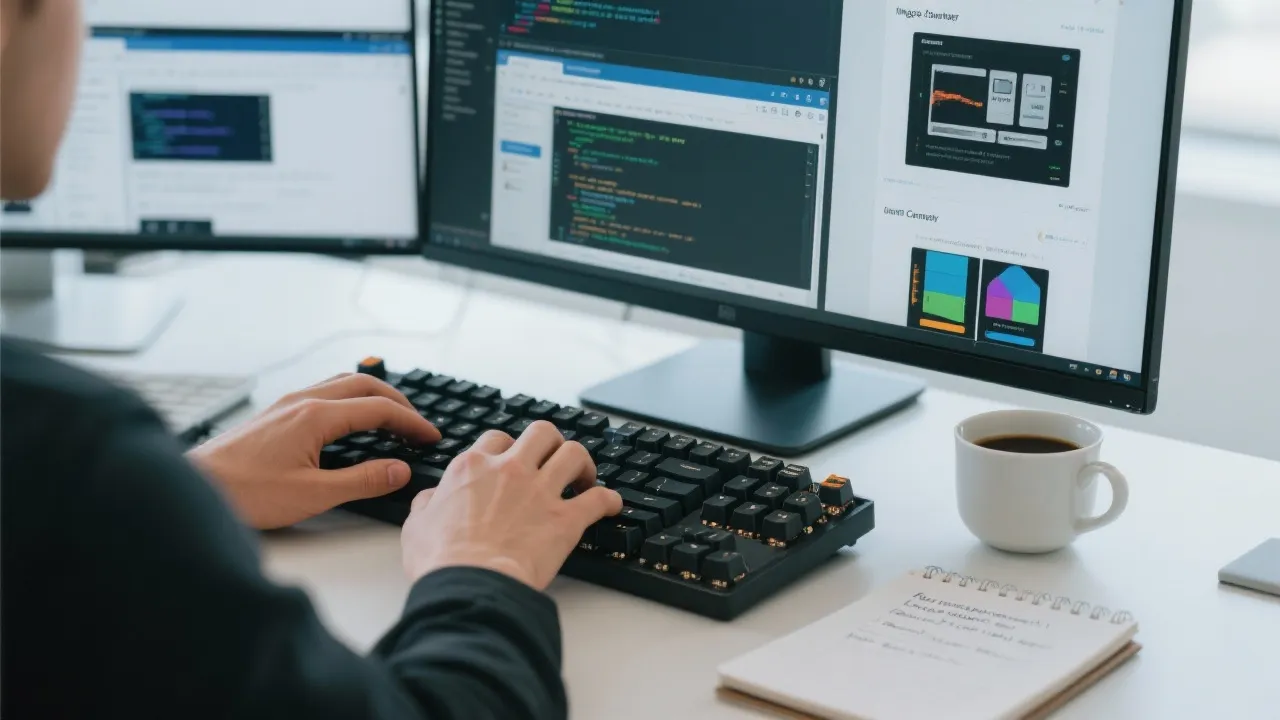
A daily tip for building a website for foreign trade: Are your product photos too ugly and no one is asking about prices? A 5-minute image optimization method for beginners.
A must-read for foreign trade beginners! Even with a limited budget and no professional photography skills, you can still make your product images look brand new. This article teaches you a 5-minute image optimization method: remove backgrounds, adjust composition, optimize brightness and contrast, add shadows, and export at high resolution. It also recommends the AI tool AB Ke Smart Website Builder to generate high-quality product images with a single click, quickly enhancing your website's professionalism and attracting more buyer inquiries.
As a newbie in foreign trade, you've probably encountered this awkward situation: blurry product images on your website, cluttered backgrounds, and unprofessional colors, resulting in visitors not even wanting to ask for prices . In fact, many startup foreign trade companies or individual sellers face the dilemma of "no professional photography and limited budget." Don't panic! Today, I'll teach you a 5-minute image optimization method that allows you to make your product images look professional and attractive even with zero budget. Related reading: Why Your Alt Text Isn't Working: 5 Hidden SEO Tips for Overseas Markets
Why are product images so important?
On independent e-commerce websites, product images are the first impression . Data shows that over 70% of B2B buyers will look at product images before making an inquiry.
Even with the most attractive pictures, the most comprehensive information, and the lowest prices, it's difficult to pique a buyer's interest.
What if you have a limited budget and the pictures are ugly?
1. Optimize the use of existing resources
-
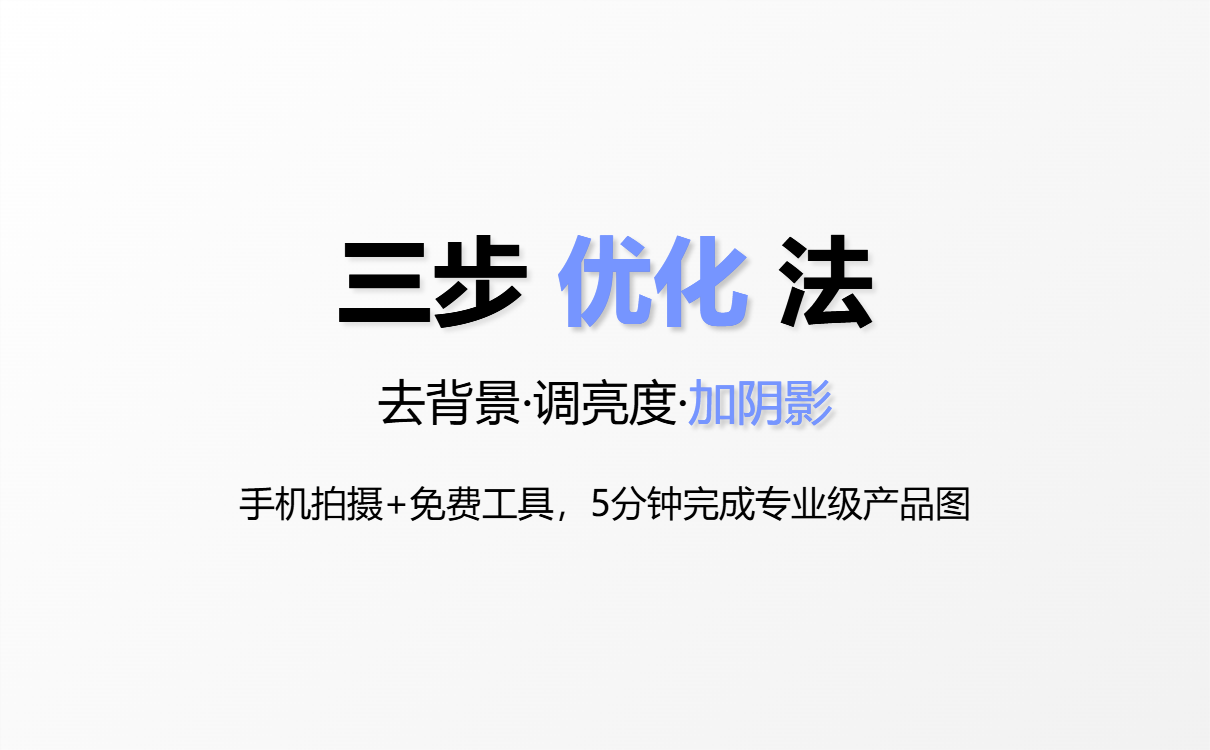
Clean up the background : Use online tools (such as remove.bg or Canva) to remove the cluttered background with one click and replace it with pure white or light gray.
-
Consistent Size : Ensure that product images have a consistent aspect ratio (1:1 or 4:3 recommended) to maintain a neat website layout.
-
Adjust brightness and contrast : Even photos taken with a mobile phone can have their brightness, saturation, and contrast adjusted using free tools to make products clearer.
2. Mobile phone photography can also produce a professional look.
-
Shooting in natural light : Shoot near a window during the day, avoiding direct sunlight.
-
Simple props : Use white paper, foam board, or cloth as a background to make the product stand out.
-
Shoot from multiple angles : one front view, one side view, and one detail view to highlight the selling points.
3. Utilize free or low-cost design tools
-
Online tools such as Canva, Fotor, and Photopea can quickly optimize images.
-
Template function: Directly apply professional templates to reduce design difficulty.
-
One-click enhancement: Automatic color adjustment, watermark removal, and shadow addition—create a product image in just 5 minutes.
A beginner's guide to "5-minute image optimization".

Below is a practical guide to optimizing product images in 5 minutes :
1. Import the original image
Select the product image on your phone or computer.
2. Remove background (1 minute)
Upload to remove.bg or the AI product image function of AB Ke Smart Website Builder .
Generate a clean background with one click, saving you the hassle of manually cutting out images.
3. Adjust the size and composition (1 minute)
Use a consistent aspect ratio for images (1:1 recommended) to avoid incomplete display.
Ensure the product is centered in the image with adequate white space.
4. Brightness/contrast optimization (1 minute)
Brighten shadows and enhance details.
Increase the saturation appropriately to make the product color closer to the real thing.
5. Add a shadow or a simple background (1 minute)
Simple shadows can make a product appear more three-dimensional.
The background can be pure white or light gray to highlight the product.
6. Export high-resolution image (1 minute)
Export to 2K or higher resolution to ensure clear website display.
Once completed, your product images will look like they were taken by a professional photographer, significantly enhancing the professionalism of your website even without a photographer or expensive equipment.
AI tools enhance product images to make them more professional.
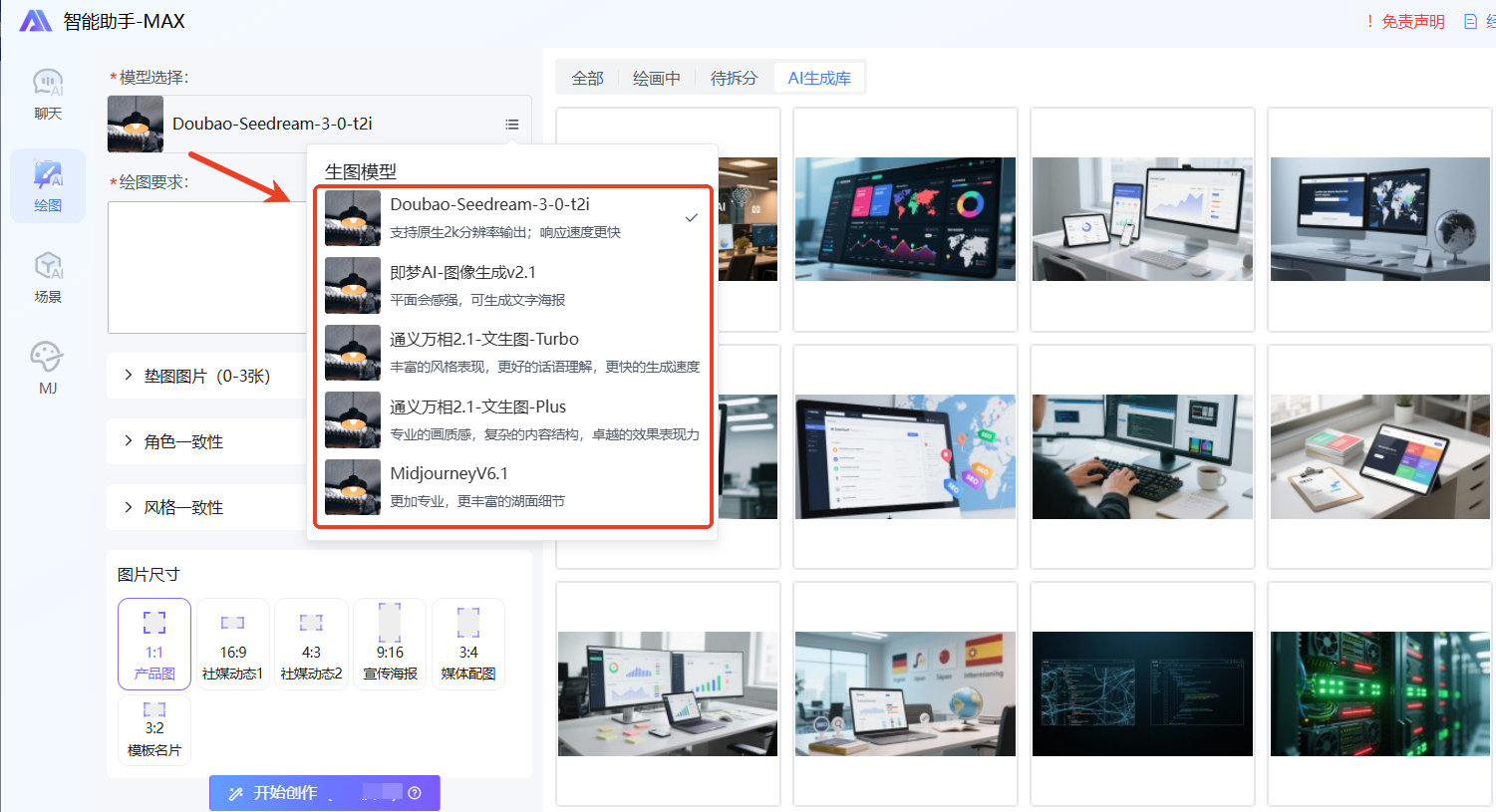
If you want to generate high-quality product images with one click , saving time and manpower, you can try the AI product image generation module built into AB Ke Smart Website Builder :
-
Accessing Doubao-Seedream-3-0-t2i : native 2K resolution output with fast response speed.
-
Jimeng AI - Image Generation v2.1 : Strong sense of flatness, can generate text posters.
-
Tongyi Wanxiang 2.1 - Wenshengtu - Turbo / Plus : Supports rich styles, complex content structures, and high image quality.
-
MidjourneyV6.1 : Professional detail rendering, with richer lake surface texture.
It's very easy to use: upload the original image or enter a text description, generate a high-quality product image with one click, and apply it directly to your independent foreign trade website. It can give your products a fresh new look in just 5 minutes.
Summarize
Product images on an independent e-commerce website don't require expensive equipment or a photography studio. Mastering a 5-minute image optimization method , combined with AI tools, allows any beginner to quickly improve the professionalism of their product presentations and attract more inquiries. Key steps include: removing the background, adjusting the composition, optimizing brightness/contrast, adding shadows, and outputting high-resolution images .
With the right methods and tools, your website images can rival professional photography, attracting customers at first glance and naturally generating inquiries.


