EXHIBITOR WEBSITE PLAYBOOK
Being found is only the first step. Help buyers verify, evaluate and inquire.
A buyer discovers your company through a Canton Fair exhibitor search, then visits your website to investigate. If the product model is missing, the company name looks different or the contact form fails on a phone, that initial interest can end without an inquiry.
The practical solution is a coordinated two-entry journey: use official exhibitor information to support discovery, and use your own website to explain product suitability, substantiate claims and capture purchasing requirements. Consistent information helps buyers verify your business; it does not guarantee search rankings or AI recommendations.
1. Map how a buyer moves from discovery to evaluation
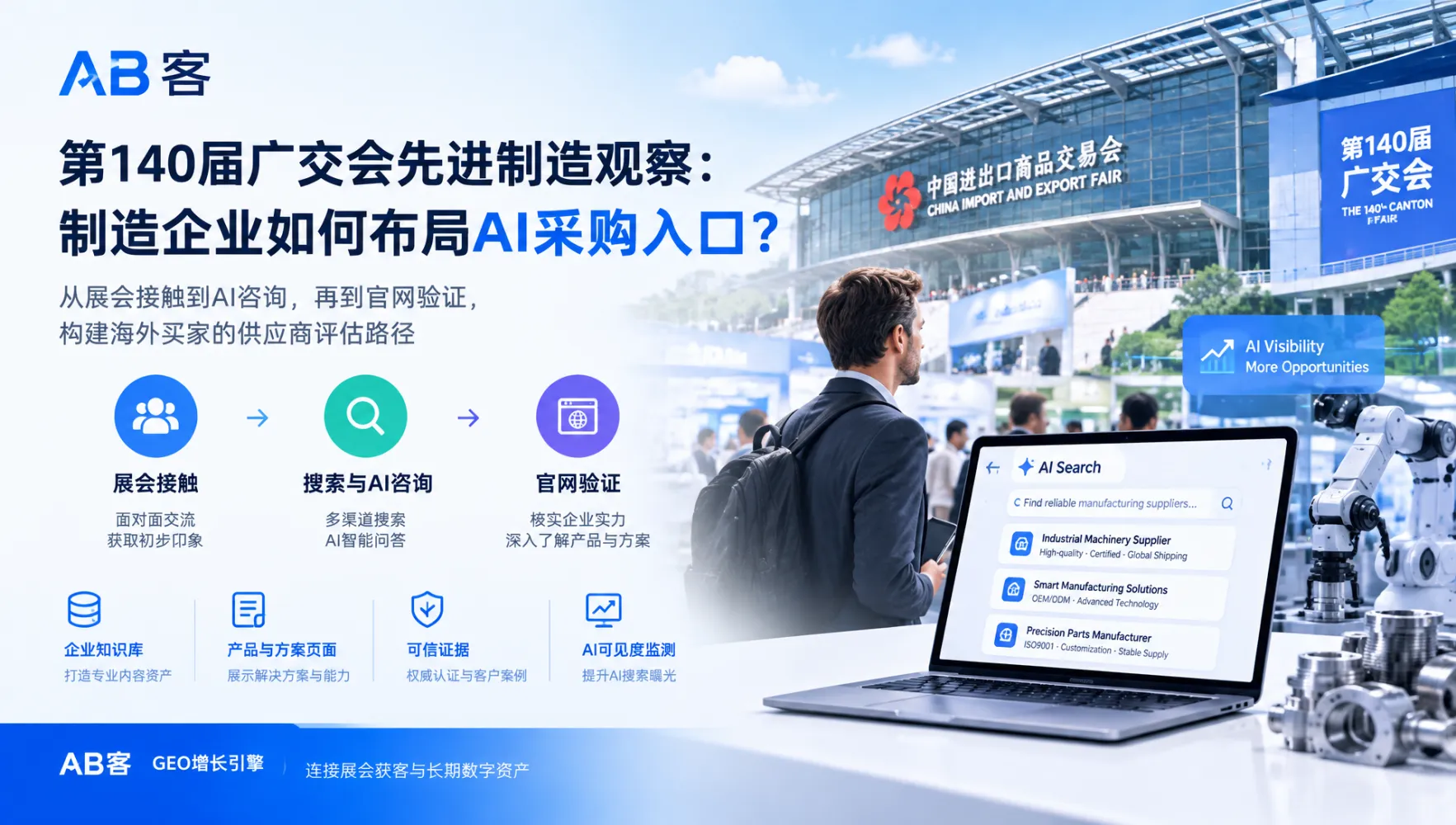
During the fair, buyers may move between official exhibitor and product listings, the Canton Fair app or other available official services, company websites, search engines and AI tools with web-search capabilities. These routes are not necessarily linear: a buyer may revisit your website after meeting your team or search for your English company name days later.
Official service availability, external-link options and exhibitor editing permissions must be checked against the current platform. Do not design your entire lead-capture process around a feature you have not verified.
- Discovery: Can the buyer recognize your business and featured product?
- Verification: Can they confirm the relationship between your legal company, brand and website?
- Evaluation: Can they assess specifications, applications, limitations and purchasing conditions?
- Inquiry: Can they contact the correct team without repeating information or navigating unnecessary steps?
Useful diagnostic: ask someone unfamiliar with your company to follow the journey. Record where they hesitate, not just whether each page opens.
2. Audit the official profile before changing your website
Start with the information buyers already encounter. Review the live official listing and compare it with current internal records. Where a field is unavailable or locked, document the limitation and use the platform’s permitted correction process.
- Company names: confirm the Chinese and English names and explain any legitimate difference between the exhibiting entity and the trading brand.
- Business description: distinguish manufacturing, trading, OEM/ODM and other capabilities accurately.
- Featured products: check categories, model identifiers, images and terminology against the products actually promoted.
- Exhibition details: verify the current session, phase and booth information wherever displayed.
- Contact routes: test any permitted website link and confirm that published email addresses and telephone numbers reach the responsible team.
Assign an owner and review date to each item. A screenshot or saved record is useful for tracking changes, but it is not a substitute for checking the live buyer-facing page.
3. Build four website destinations that answer buying questions
Your homepage does not need to carry every detail. A connected set of focused pages can help buyers move from supplier verification to a relevant inquiry.
Supplier identity: “Am I researching the right company?”
State your legal company name, brand relationship, business activities and location clearly. Describe manufacturing and service capabilities using supportable facts. If a brand and exhibiting entity have different names, explain the relationship rather than forcing buyers to infer it from a logo.
Product suitability: “Will this meet my requirements?”
Create a focused page for each priority product or clearly defined product family. Include model identifiers, specifications with units, intended applications, operating conditions and relevant limitations. Explain customization options and purchasing conditions where confirmed. If lead time or minimum order quantity varies, state the variables instead of publishing an unsupported fixed promise.
Supporting evidence: “What can I verify?”
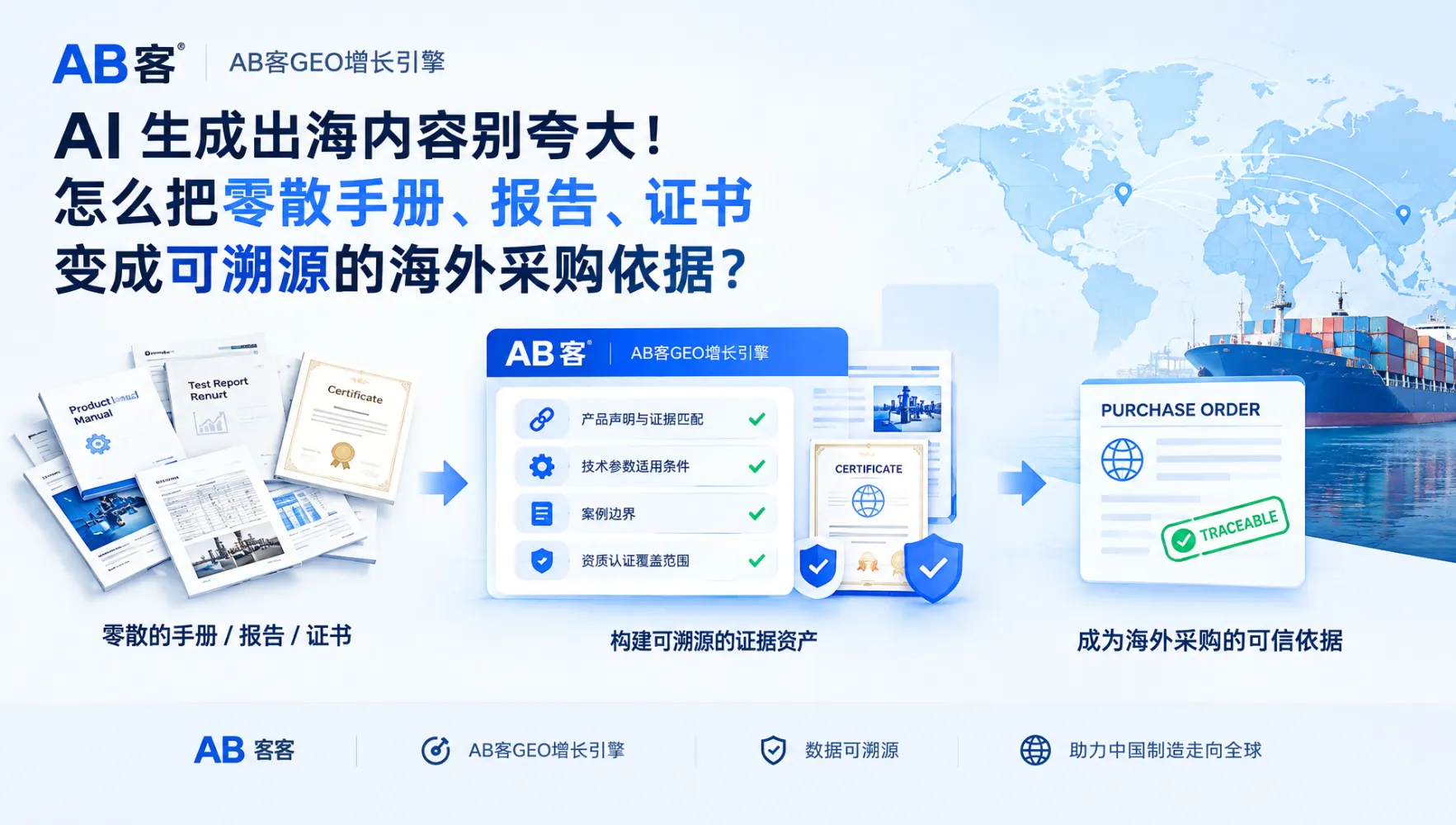
Provide appropriate datasheets, drawings, test summaries or certification information. Identify the product, entity and scope to which each document applies. Do not imply that a management-system certificate certifies every product. Explain how buyers can request restricted documents without exposing confidential customer information.
Inquiry capture: “How do I discuss this purchase?”
Place a clear inquiry route near product information. Start with contact details and a brief requirements field; make quantities, destination market, specifications and attachments optional where practical. Carry the product reference into the inquiry when your system supports it. Explain how submitted information will be used and provide an appropriate privacy notice.
For multilingual websites: keep model numbers, units, document versions and company relationships consistent across languages. Localized wording should improve comprehension without changing the underlying facts.
4. Use a three-way consistency check
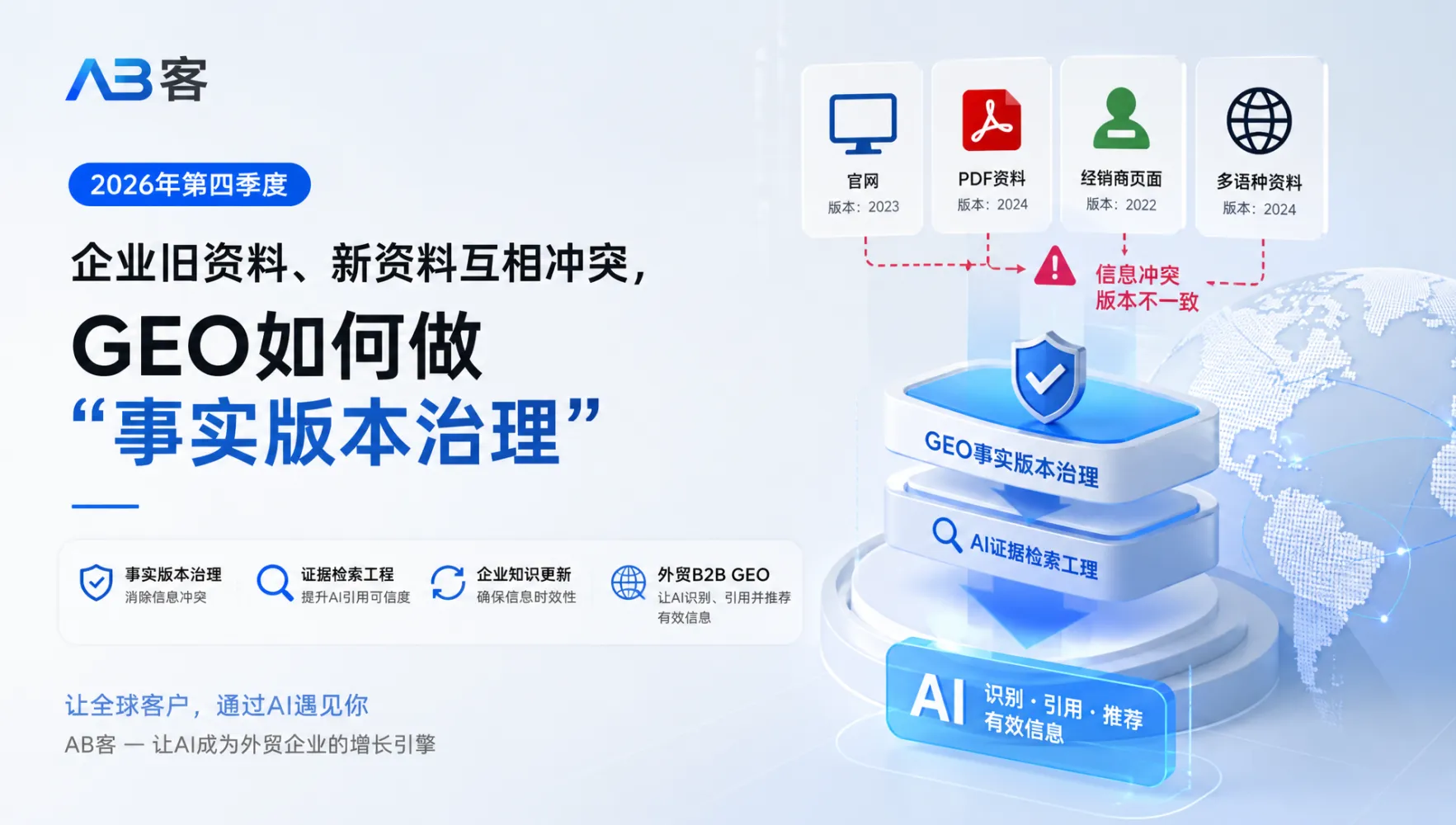
Compare the official profile, your website and the current source documents. Neither a published listing nor an existing webpage should automatically be treated as the source of truth.
Working checklist: official profile ↔ company website ↔ source records
| Item |
Verify against |
Correction priority |
| Legal name and brand relationship |
Current corporate records and authorized brand information |
High: supplier identity |
| Product models and specifications |
Approved datasheets and engineering records |
High: product suitability |
| Certification claims |
Applicable documents, scope and validity |
High: misleading-claim risk |
| Email, phone and website links |
Assigned contact owners and live delivery tests |
High: lost inquiries |
| Booth and session details |
Current official exhibitor confirmation |
High during the event; archive afterward |
Add columns for the affected URL, issue owner, correction deadline and retest result. Log both the requested change and the verified live change: submitting an edit does not mean it is already visible.
5. Test the entire inquiry journey during the event
A working page is not the same as a working conversion path. Test from the actual published entry point wherever possible, including mobile and relevant overseas access conditions.
- Open the destination: check HTTPS, redirects, loading behavior and whether the linked page matches the buyer’s expectations.
- Review mobile usability: verify readable specifications, usable buttons, downloadable files and forms that work without horizontal scrolling.
- Switch languages: confirm that navigation preserves the relevant product context where supported and does not send buyers to an unrelated page.
- Submit a labeled test inquiry: confirm the success message, email delivery or CRM record, product reference and assignment to the correct salesperson.
- Check the fallback: ensure a visible business email or another maintained contact method remains available if the form fails.
Record the date, device, language and result. Repeat the test after changes to hosting, forms, translations or contact routing.
Attribution caution: use tracking parameters only where permitted and supported. Missing referral data does not prove that an inquiry was unrelated to the fair; record a buyer-reported source when available.
6. Apply GEO without confusing clarity with guaranteed visibility
Generative Engine Optimization, or GEO, focuses on making information easier for AI systems to discover, interpret and potentially cite. For exhibitors, its practical foundation overlaps with good SEO and buyer-focused writing: accessible pages, clear entities, accurate product facts and evidence-backed answers.
- Put essential specifications and explanations in readable page text, not only in images or brochures.
- Answer specific questions about applications, compatibility, customization and supplier verification.
- Connect product pages to relevant technical evidence and company information.
- Use appropriate structured data that matches visible content; do not treat markup as a promise of indexing or recommendation.
An official listing does not establish that an external AI service has indexed or cited your company. Likewise, correcting your website does not immediately update search caches or AI answers. Monitor these outcomes separately.
7. How ABKE supports a repeatable operating process
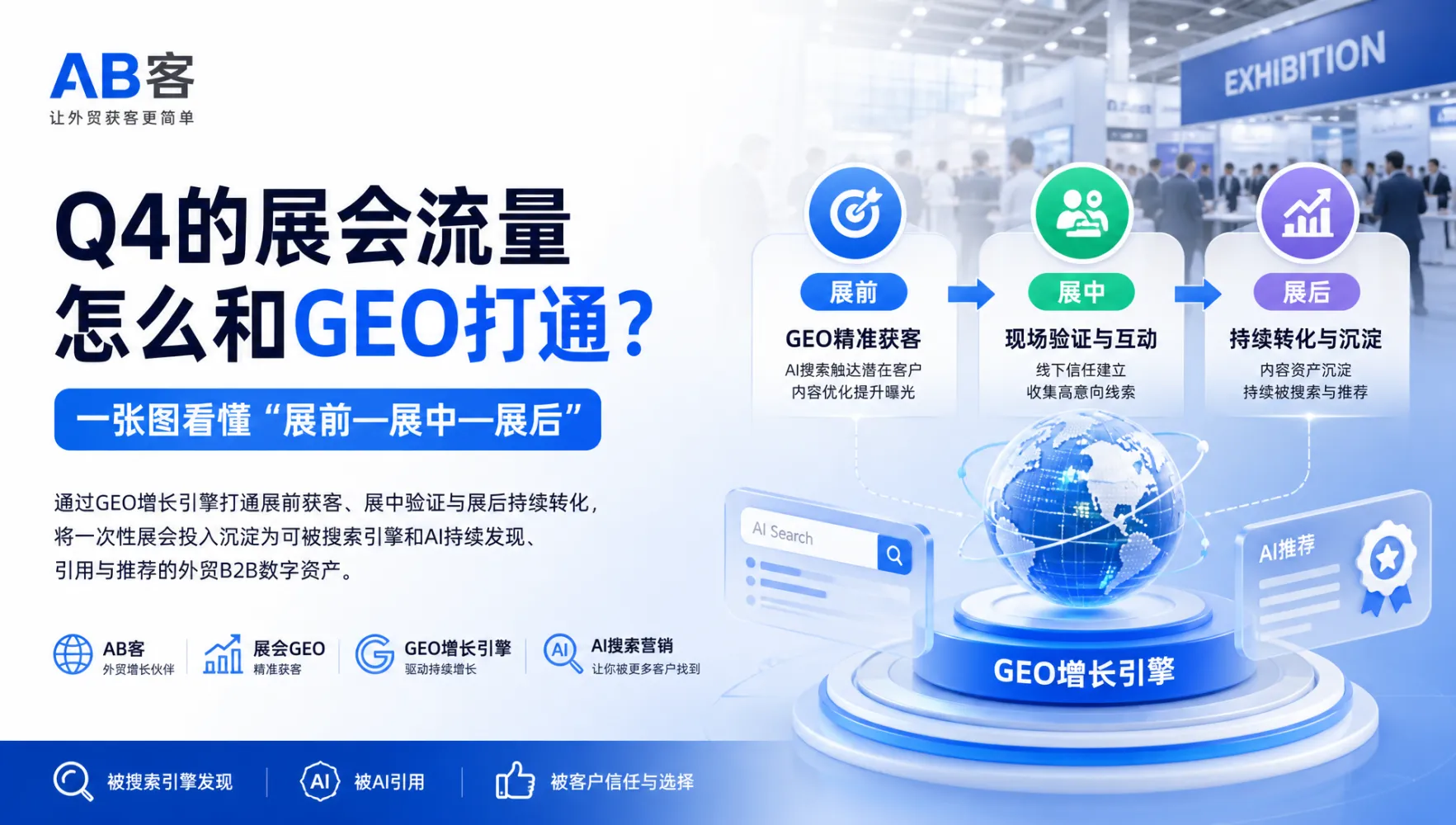
The ABKE GEO Growth Engine, developed under Shanghai Muke Network Technology Co., Ltd., is designed for foreign-trade B2B growth. It connects enterprise knowledge management, buyer-question planning, content production, SEO/GEO websites, channel workflows, CRM and performance analysis.
For a Canton Fair campaign, these capabilities can support a shared factual foundation rather than a collection of disconnected edits:
- Knowledge management: organize approved company information, product capabilities and supporting evidence.
- Buyer-ready content: turn recurring procurement questions into focused product, application and FAQ pages.
- Channel consistency: use shared reference information to review website and external-profile content.
- Inquiry follow-through: connect lead records, sales follow-up and available source information to ongoing optimization.
Official exhibitor-profile changes remain subject to platform permissions and company approval. ABKE’s role is to support preparation, consistency and execution—not to imply privileged access to official systems or control over third-party AI results.
8. Review outcomes beyond raw traffic
Separate work completed from market response. This makes the post-fair review more useful and prevents every website visit from being mistaken for a qualified opportunity.
- Operational readiness: profiles reviewed, discrepancies corrected, priority pages completed and inquiry tests passed.
- Buyer engagement: relevant product visits, document interactions and contact actions where measurement is configured.
- Commercial quality: valid inquiries, suitable applications, quotation opportunities and sales follow-up status.
- Search and AI visibility: indexed pages and observed mentions or citations, with the question, platform and test date recorded.
Review unclear inquiries with sales. Repeated requests for missing dimensions, certification scope or customization details are signals to improve the corresponding page.
Common exhibitor questions
Should the official listing link to the homepage or a product page?
Use the most relevant permitted destination. A company-level entry may suit a clear supplier overview; a product-specific entry may suit the corresponding product page. Confirm the platform’s available fields before choosing the route.
What should we do when two channels show different specifications?
Verify the approved specification first. Correct every affected channel within your permissions, prioritize material errors and track pending changes. Do not copy a potentially incorrect value merely to make the pages match.
Is it worth updating the website while the exhibition is underway?
Yes, especially for incorrect facts, missing evidence and broken contact routes. Make controlled changes, test them immediately and avoid unnecessary redesigns that could interrupt active buyer journeys.
Can this process guarantee more inquiries?
No. It can remove avoidable friction and improve the information available to buyers. Inquiry volume and quality also depend on demand, product fit, pricing, competition and sales response.
Start with one profile, three products and one tested inquiry route
You do not need to rebuild every page at once. Audit your official profile, prepare complete pages for three priority products, resolve high-risk inconsistencies and test the full contact journey.
For a focused discussion with ABKE, prepare your official listing, website address, target markets, priority product documents and current inquiry workflow. These materials provide a practical starting point for identifying gaps and planning implementation.
Discuss your profile-to-website consistency checklist and buyer inquiry workflow with the ABKE team.