.png?x-oss-process=image/resize,h_100,m_lfit/format,webp)

.png?x-oss-process=image/resize,m_lfit,w_200/format,webp)

Hot Products

.png?x-oss-process=image/resize,h_2000,m_lfit/format,webp)
Popular articles
Recommended Reading

Who Owns GEO Project Assets and Can They Be Exported or Migrated?
Learn how AB客 defines ownership, export, migration, and handover options for enterprise knowledge, content, website pages, CRM leads, and operational data in GEO projects.
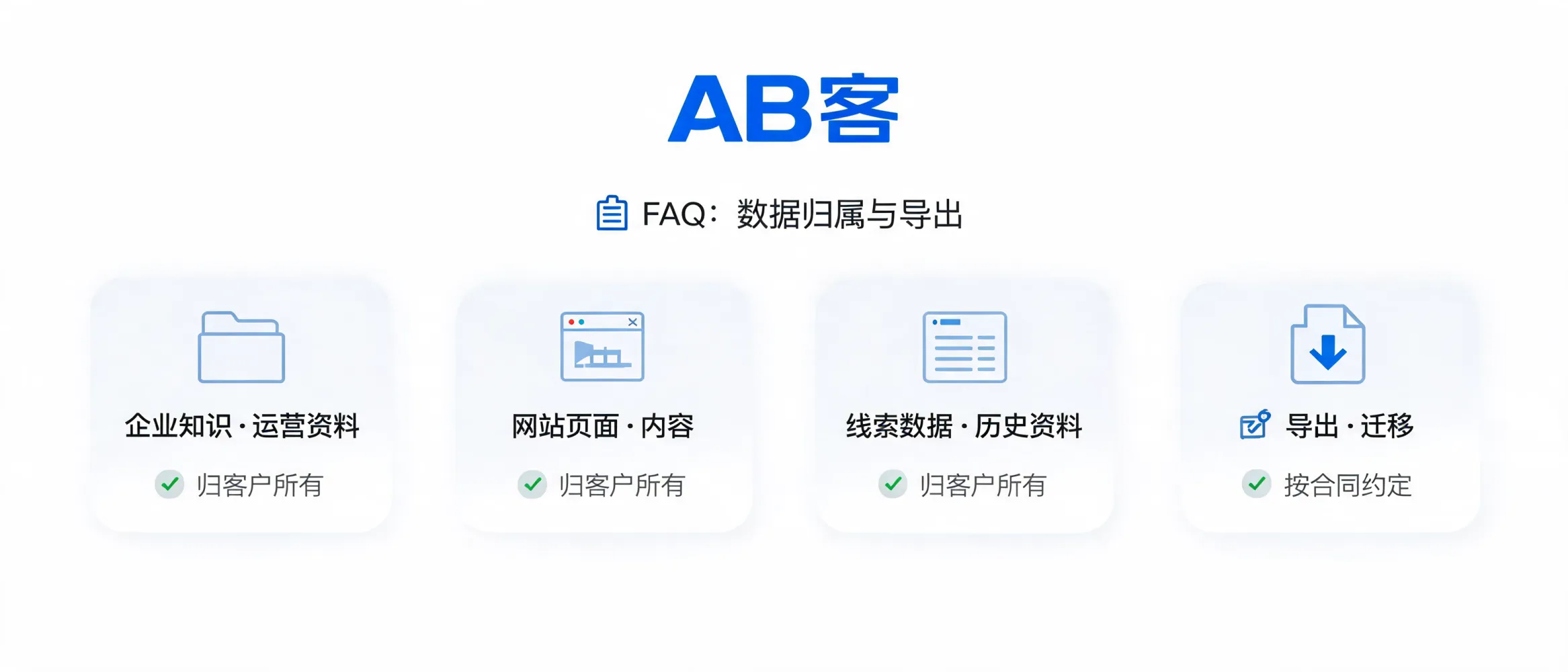
Asset Ownership and Migration Principles
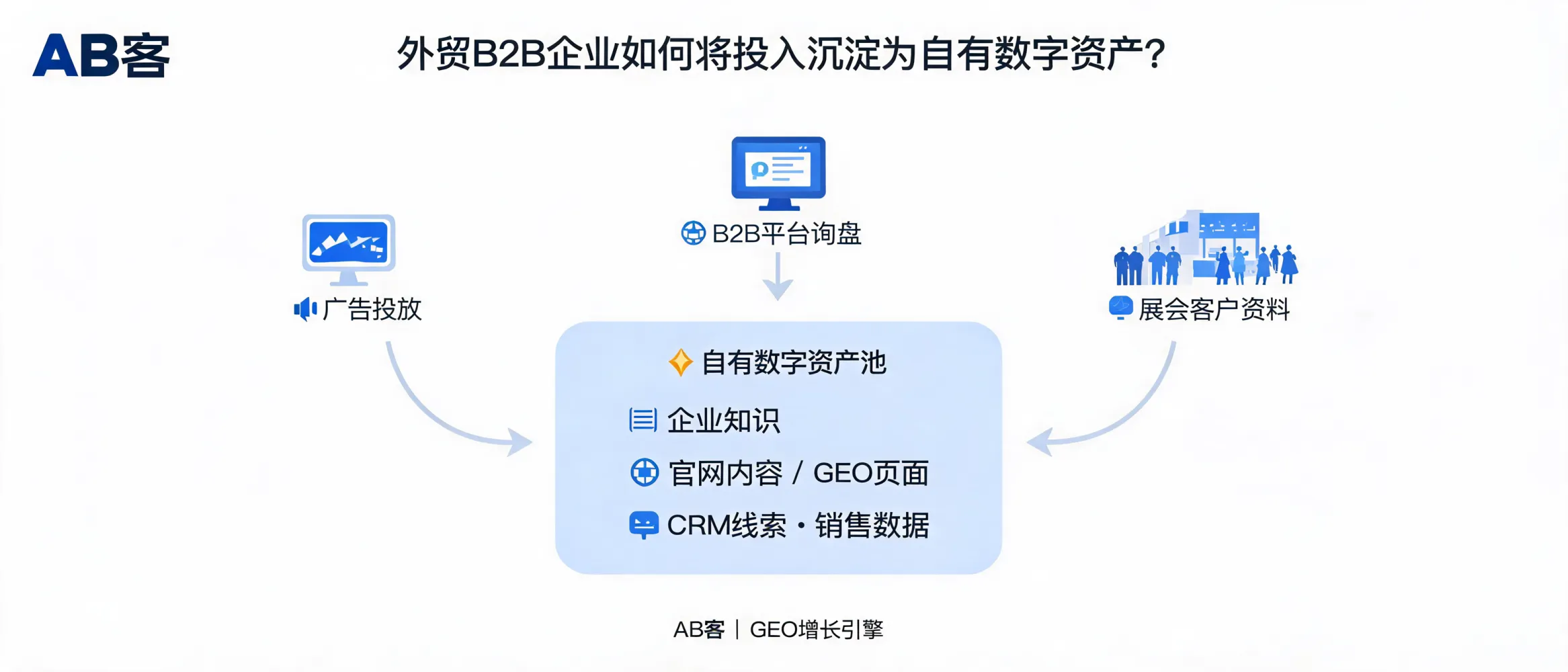
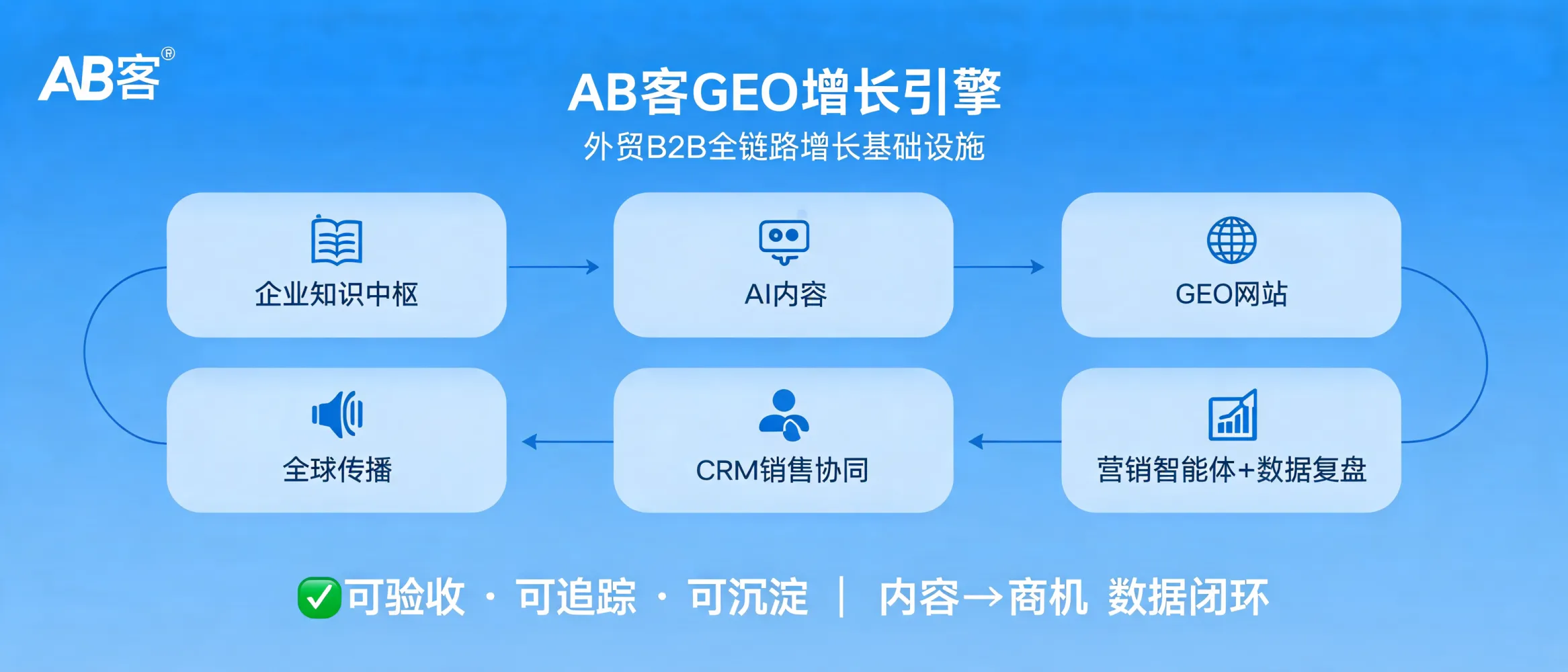
AB客 GEO Growth Engine is designed to help businesses turn long-term investment into digital assets that can be used sustainably, rather than locking customers into a single service or system. Within the scope permitted by the contract and actual technical conditions, customers retain the right to continue using confirmed and paid-for enterprise knowledge, content, pages, and business data.
During project handover, changes in cooperation, or later independent operations, customers may agree on the export and migration of materials, as well as handover support.
Assets That Can Typically Be Delivered or Exported by Agreement
- Enterprise knowledge assets: Approved company profiles, product materials, solution information, FAQs, case studies, qualifications, terminology, and structured knowledge materials.
- Content assets: Confirmed articles, product-page copy, solution content, multilingual content, images, and related materials.
- Website and page assets: Published pages, static HTML websites, or mutually agreed migration materials, page structures, and configuration documentation.
- Lead and business data: CRM customer leads, inquiry records, opportunity information, and agreed source, follow-up, and historical operational data.
- Operational and handover materials: Key analysis reports, content and publishing records, operating manuals, SOPs, account or configuration instructions, and lists of unfinished items.
Contract Boundaries to Define in Advance
To avoid future disputes about what can be retained or how assets can be migrated, it is advisable to clarify the following items in the contract or project appendix:
- Asset list and acceptance criteria: Which knowledge, content, pages, and data are project deliverables, and when they are considered confirmed and complete.
- Export formats and delivery methods: For example, documents, spreadsheets, HTML, database exports, API interfaces, or migration packages.
- Handover timing and support scope: Including export periods, training, migration assistance, and the division of responsibilities between both parties.
- Account and permission ownership: Customers should, where possible, retain primary control of their own domains, official websites, analytics tools, channel accounts, and CRM accounts.
- Third-party tool limitations: The export scope of data, account permissions, and migration capabilities on third-party platforms must comply with their product rules and license terms.
Items That Do Not Automatically Become Customer Property
Customer assets should be distinguished from the service provider’s underlying capabilities. AB客’s system foundation, public models, proprietary components, general methodologies, platform software, and third-party tool capabilities do not automatically become customer property as part of the project delivery. The terms for their use, deployment, migration, or continued authorization are subject to the agreement between both parties, the technical architecture, and applicable third-party licenses.
Reducing Vendor Lock-In Risk
Before starting a cooperation, businesses can confirm whether core materials are retained in an exportable knowledge base, whether the website supports migration, whether lead and CRM data can be retained, whether the customer controls key account permissions, and whether operating documentation and handover support will be provided after the project ends.
Through contract-based asset lists, phased delivery, data records, and handover mechanisms, AB客 helps businesses continue receiving service support while retaining long-term use of their own knowledge, content, pages, and business data.


.png?x-oss-process=image/resize,h_100,m_lfit/format,webp)
.png?x-oss-process=image/resize,h_100,m_lfit/format,webp)

.png?x-oss-process=image/resize,h_100,m_lfit/format,webp)
.png?x-oss-process=image/resize,h_100,m_lfit/format,webp)
.png?x-oss-process=image/resize,h_100,m_lfit/format,webp)
.png?x-oss-process=image/resize,h_100,m_lfit/format,webp)
